Stakeholder
#Create
Stakeholders are the interest groups that
- are affected by the issue
- are involved in the solution
- have an interest in the solution
- may boycott a solution
- invest in or work on the project
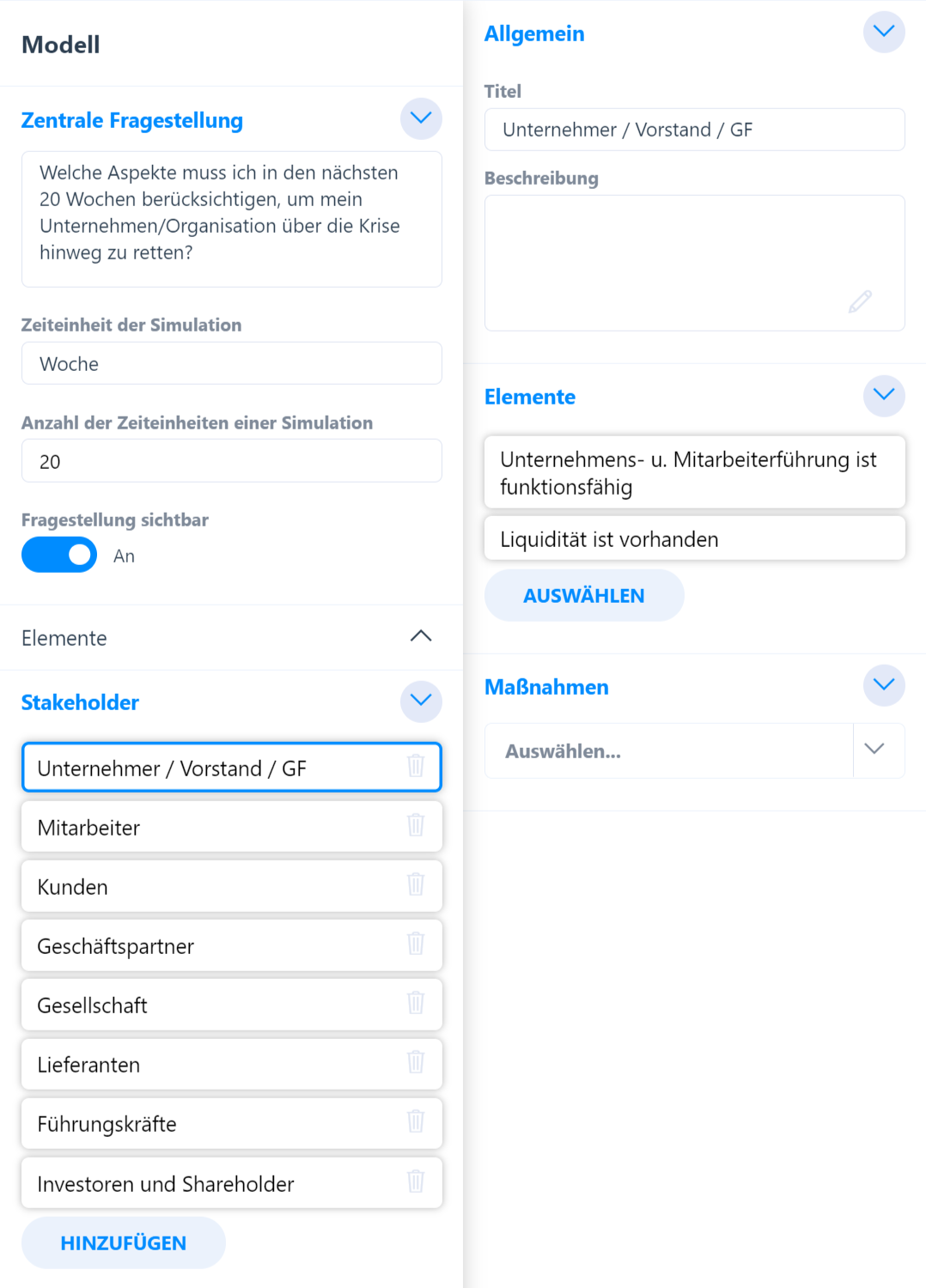
Under the Stakeholder option in the impact network, you can create a new stakeholder using the “Add” button.
After clicking the button, a detailed view of the stakeholder opens in which you can add a title and a description.
You can use the “Targets” tab to select the targets that are of interest to this stakeholder.
You can use the “Resources” tab to select the resources that are of interest to this stakeholder.
You can use the “Indices” tab to select the indices that are of interest to this stakeholder.
You can use the “Actions” tab to select the actions that are of interest to this stakeholder.
You can delete stakeholders at any time using the small trash can next to their name.